Cloud Generation: Converting Word to PDF Without Microsoft Office
Stuck on a machine without office software installed? Learn how cloud layout engines render precise static documents instantly.
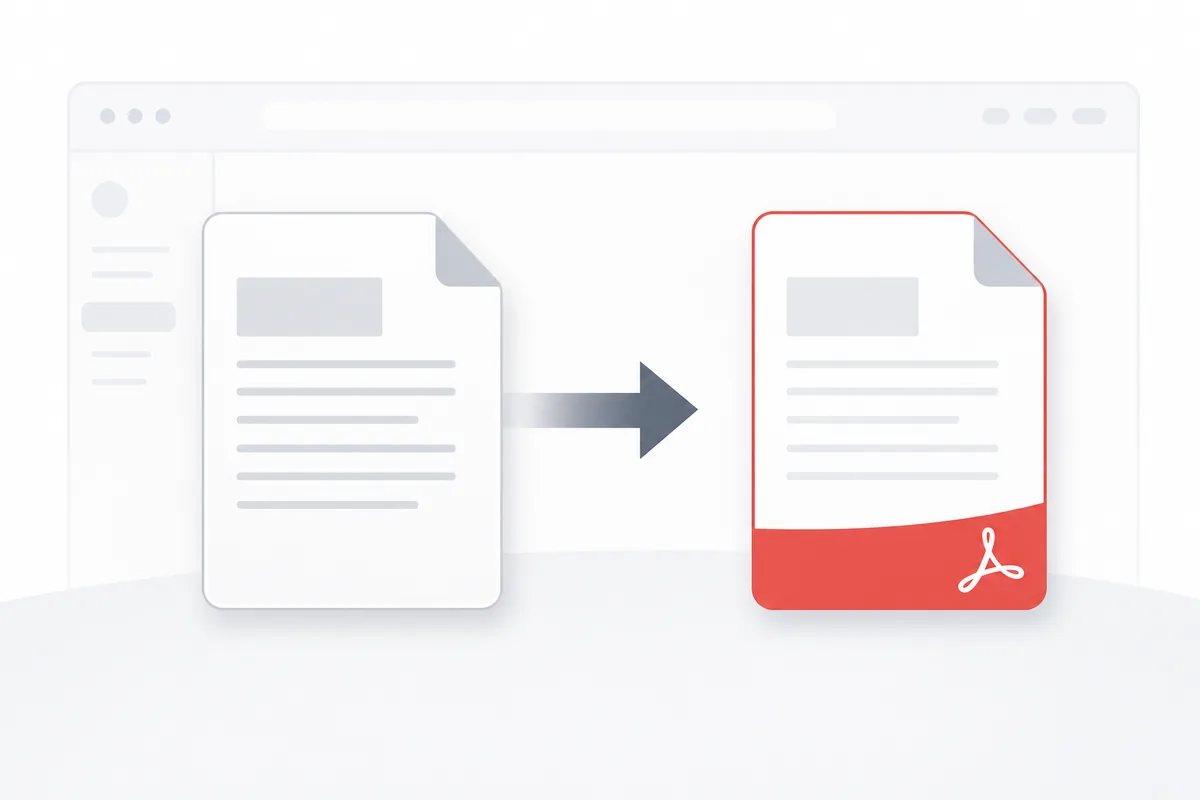
Working across remote environments or Linux servers often means you don't have access to traditional desktop software like Microsoft Office. When an external vendor sends over a raw text file (.docx) that you need to lock down and sign immediately, trying to find an editing app is a frustrating bottleneck. Managing text transformations entirely in your browser keeps your projects moving forward from any operating system.
Why Standalone Cloud Conversion Matters
In modern remote workflows, infrastructure flexibility keeps operations fast. If field technical teams, support groups, or client managers can only process document transformations on specific desktop software licenses, daily updates drag. Moving document conversions to the cloud removes software constraints.
Getting Started with Standalone Conversions
The Mechanics of Browser-Based Renders
Rebuilding text files into fixed canvas pages requires cloud systems to parse styling schemas without local application calls:
- XML Data Tree Parsing: Reading inner document code files to map out content strings.
- Font Matching Rules: Mapping text styles to universal web fonts to avoid layout drops.
- Layout Margin Computations: Setting rigid line wrapping boundaries across text nodes.
- Graphic Object Anchoring: Embedding image arrays securely into final background page layouts.
Cloud Processing Workflows
- Data Ingestion: Reading raw text configurations directly within browser memory partitions.
- Layout Interpretation: Computing paragraph margins, list structures, and cell shapes natively.
- Static Canvas Generation: Compiling data lines into clean, locked files ready for cross-platform sharing.
Essential Standalone Utilities
Remote Web Rendering Systems
Cloud engines convert document elements in your browser tab, building clean layouts instantly without local application software tools.
Document Extraction Pipelines
To reverse this workflow and extract text content out of locked files from any browser workstation, check out our guide on how to convert pdf to word.
Best Practices for Cloud Conversions
1. Stick to Standard Design Typographies
Use universal layout fonts in your source text files to ensure perfect line conversions across remote web setups.
2. Keep Page Geometry Rules Clean
Avoid complex multi-layered margins to ensure your text paragraphs convert without unexpected layout drops. For step-by-step advice, review our convert word to pdf guide.
3. Strip Out Old Revision Trackers
Clear review tags and inline comments from text files before cloud uploads to keep document outputs clean.
4. Check Table Line Margins Post-Process
Always review data grids post-render to ensure cell text lines remain sharp and perfectly aligned inside rows.
5. Verify Content Interactively Across Devices
Open your new files across mobile screens and browser views to confirm your formatting looks identical on all systems.
Common Standalone Conversion Tasks
Converting an Agreement from a Linux Workstation
- Upload your text file into our standalone web conversion framework.
- Check that your destination canvas dimensions match normal page configurations.
- Run the cloud rendering engine to write text elements to static canvas positions.
- Download the unmodifiable file package to proceed with signing loops.
Building Bulletins on the Go
- Drop your text drafts into our mobile browser processing utility window.
- Run the file conversion tool to stabilize formatting elements instantly.
- Export your finished files directly to secure cloud storage repositories.
Advanced Standalone Conversion Techniques
Server-Side Automation Integrations
Route text inputs straight through background code scripts, compiling clean file summaries automatically from system logs.
Custom Brand Template Overlays
Inject unified corporate identities and layout boundaries into files dynamically during cloud rendering processes.
Troubleshooting Common Issues
Headings Shifting After Cloud Exports
This points to custom header margins in the text files. Re-align layout styles to standard metrics to keep titles consistent.
Hyperlinks Stopping Post-Render
Poorly built web tools can drop link markers during transformation passes. Use robust web utilities to keep connection links fully active.
File Renders Taking Too Long
Large unoptimized images inside text files freeze cloud processing. Compress graphics before processing to speed up conversions.
Conclusion
Converting text drafts into fixed files without native desktop apps removes software constraints and speeds up documentation loops. By using clean text styles, matching page grids, and using fast web infrastructure, your business locks down layout presentation safely from any device configuration.