Stop Retyping: How to Make Scanned PDFs Editable via OCR
Stuck with a scanned document that won't let you select, highlight, or search text? Learn how optical character recognition extracts real text from flat image files safely.
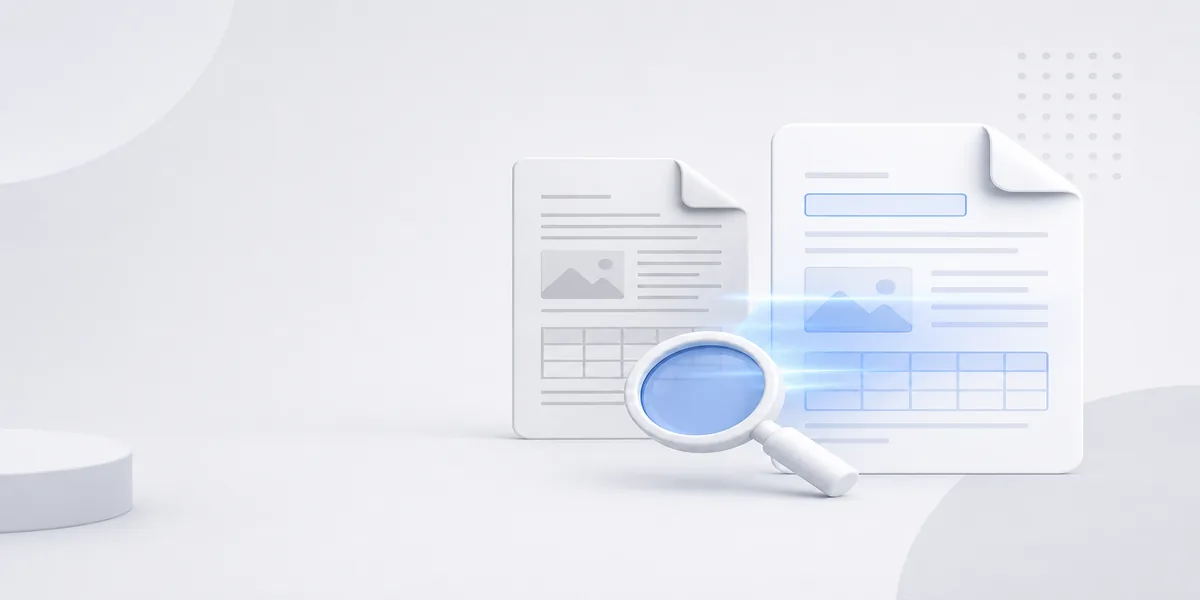
We have all been there. You receive an important PDF document, open it up, and try to highlight a sentence. Nothing happens. You try to use the search shortcut to find a specific keyword. Zero results. The document is essentially a flat photograph trapped inside a digital PDF wrapper. Retyping these pages by hand is a massive waste of your time. Instead, you need Optical Character Recognition (OCR). This technology scans the visual shapes of letters in your document and translates them into actual, editable digital text layers.
How OCR Mechanics Actually Work
OCR software doesn't just guess what a word says. It breaks the page layout down into tiny graphical elements. First, it isolates blocks of text, looks for structural baseline alignments, and then analyzes individual characters. The algorithm analyzes the intersections of lines, curves, and blank spaces to determine if a shape matches an 'A' or an 'O'. Once it identifies the characters, it reconstructs them into selectable words. Advanced systems go a step further by layering this newly generated text directly over the original image. This keeps the visual look of your document identical while making the text completely functional for search indexing engines.
Common Reasons Your OCR Fails
If you run a document through an OCR tool and get messy, scrambled results, the culprit is usually file quality. Low-resolution scans (under 300 DPI) cause heavy pixelation, blending characters together. Handwriting is another major obstacle; standard OCR engines look for structured typeface fonts, not cursive penmanship. Lastly, skewed or tilted camera photos confuse the line detection logic. For clean results, always aim for straight, brightly lit scans. If your pages are severely out of alignment, you should try to rotate your PDF pages before running them through the recognition engine.
How to Convert Flat Scans to Text on dsnoopdoc
Fixing a dead document takes less than a minute on our platform. First, head over to our online OCR PDF tool. Upload your scanned file or image. Our engine parses the page layouts, recognizes the text layers, and embeds them cleanly. Once processing finishes, download your new document. You can instantly copy passages, search terms, and edit paragraphs without typing a single word yourself. If the file ends up too heavy after processing, you can use our tool to compress your PDF online for easier email distribution.