Precision Extraction: The Complete Split PDF Guide
Extract individual pages or partition large reports into separate files. Learn how to break down documents without corrupting data grids.
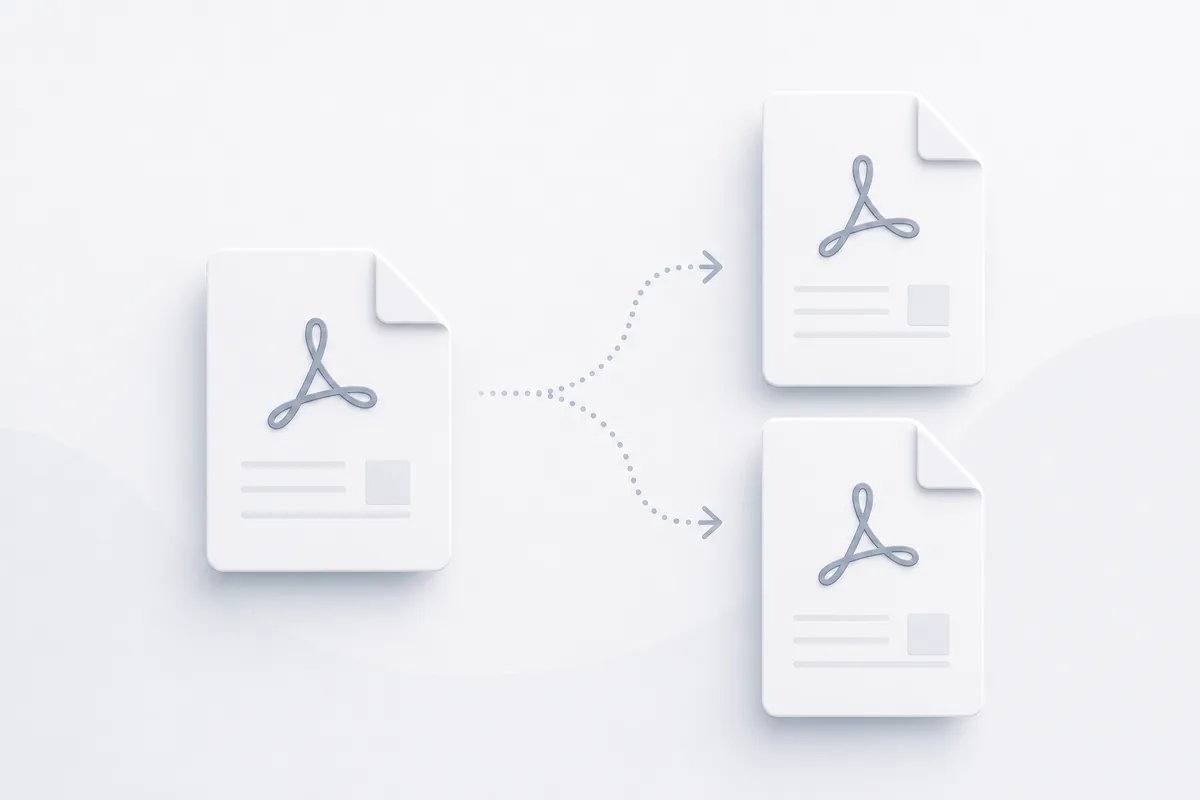
Managing massive multi-page reports often means dealing with heavy file bloat. When you only need to share a two-page financial chart out of a hundred-page data set, sending the entire document is inefficient. It slows down transmission speeds and exposes unrelated internal information. Splitting large documents into smaller files helps you isolate key data and tailor your content for specific recipients.
Why PDF Partitioning Matters
In technical data management frameworks, precise page extraction improves internal document efficiency. Instead of routing complex, multi-megabyte project arrays to external engineering vendors, operations teams can isolate and deliver exact reference sheets, saving bandwidth and keeping communications focused.
Getting Started with Document Splitting
Understanding File Tree Extractions
Partitioning large files requires an editing tool to parse structural page boundaries precisely without scrambling deep metadata layers. Proper parsing maps out several specific elements:
- Page Boundary Coordinates: The exact pixel positions defining page canvas ends.
- Cross-Reference Subsets: Pointers tracking how specific text elements link together.
- Isolated Font Sub-definitions: Splitting type maps so children files carry only the typography they actively use.
- Media Object Pointers: Separating image locations from global document lists.
Methods of Structural Page Splitting
- Single Page Disconnection: Separating every page of an asset into its own independent file archive.
- Custom Range Isolation: Extracting defined multi-page chapters (e.g., pages 12–15) to separate project components.
- Uniform Block Partitioning: Automatically slicing massive corporate reports into equal page blocks for team reviews.
Essential Splitting Tools
Streamlined Web Parsers
Browser-based splitting tools read your document architecture locally to separate target page ranges instantly without rewriting core font tables.
Brand Stamping Overlays
Once files are broken down into targeted segments, teams often add custom branding layers by following our pdf watermarking guide to protect corporate property.
Best Practices for Splitting PDFs
1. Audit Internal Navigation Links
Confirm that breaking up large reports doesn't leave internal hyperlinks or reference points broken inside the individual output files.
2. Confirm Text Layer Readability
Verify that text selection remains perfectly operational on extracted sheets, especially when processing older scanned documents.
3. Maintain Logical Archive Schemas
Use structured naming rules (like `Project_Part_01`) during file extraction steps to prevent document confusion across cloud folders.
4. Strip Out Dead Resource Weight
Ensure your splitting tool deletes references to unextracted asset media to keep final file sizes lightweight.
5. Verify Original Files Remain Intact
Always treat your source document as an unchangeable reference layout, outputting all page modifications to separate target directories.
Common PDF Splitting Tasks
Extracting an Invoice Sheet
- Drop your multi-page billing archive into our secure online workspace layout.
- Select the specific page index number that holds your invoice data.
- Click the extract page button to isolate those exact text coordinates.
- Download the new standalone file package for client distribution.
Breaking Down a Project Portfolio
- Upload your multi-page blueprint layout to our processing window.
- Define custom section splits across explicit chapter ranges.
- Run the processing partition script to generate your separate files.
- Save the cleanly organized section folders directly to your database systems.
Advanced PDF Splitting Techniques
Programmatic Metadata Separation
Automate document tracking by parsing files across target string occurrences (like regional invoice numbers), sorting sheets automatically via cloud code configurations.
Multi-Asset Re-assembly
If you need to combine scattered document pieces back into a single structured file layout, follow our complete guide on how to merge pdf files.
Troubleshooting Common Issues
Extracted Pages Losing Fonts
This happens when a tool deletes shared font tables during partition tasks. Use a parsing tool that duplicates active type styles to maintain text readability.
Hyperlinks Breaking Post Extraction
If links point to pages outside the split range, they will fail. Re-target reference points manually to ensure a smooth reader experience.
Output Files Keep Hidden Parent Data
Poorly built splitting tools often just hide unwanted pages visually while keeping original images inside the file payload. Use deep cleaning utilities to drop unextracted bytes completely.
Conclusion
Breaking massive reports into compact, targeted segments sharpens project communications and protects data boundaries. By mapping file coordinates precisely, maintaining font links, and using fast web infrastructure, your team optimizes data routing workflows from any browser configuration.