Accuracy Check: Measuring PDF to Word Conversion Quality
Don't let garbled layouts break your documents. Learn how font map parsers and vector tracking paths keep text edits accurate.
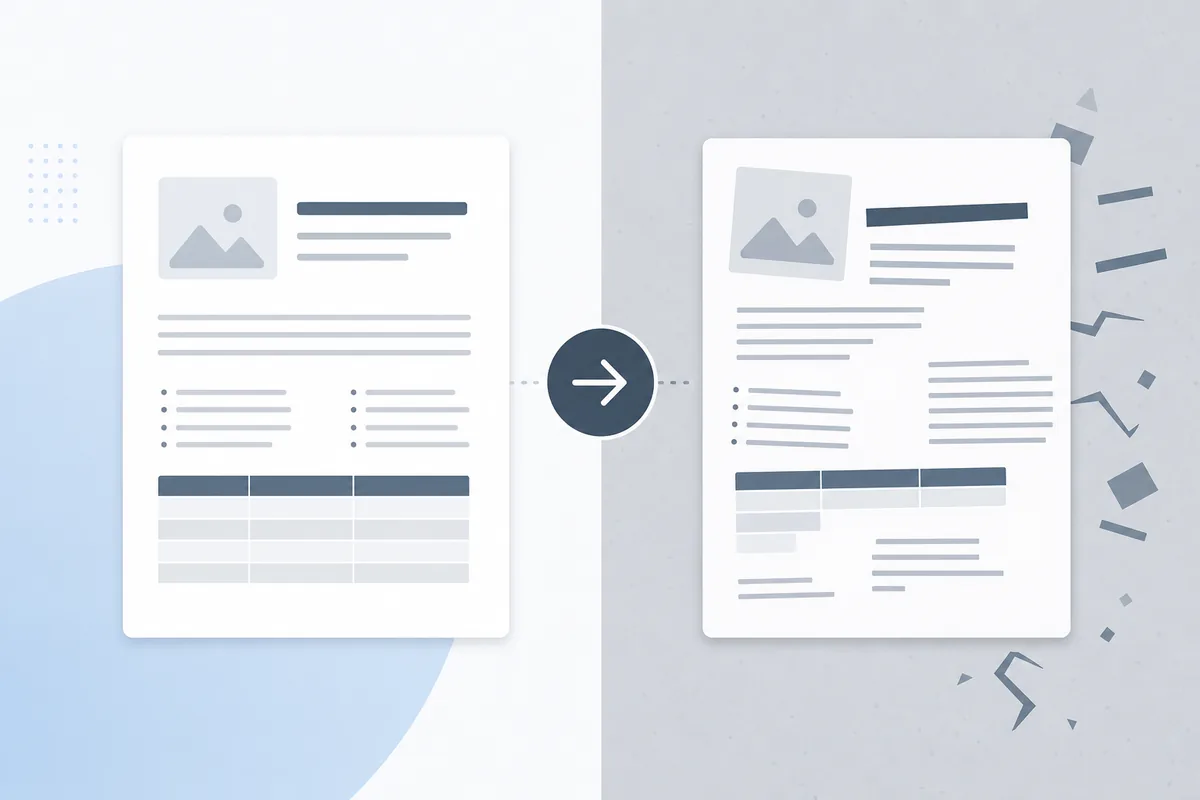
Many online document converters output messy results when exporting back to text-only files. When you try to modify a converted file, you often find broken columns, missing letters, and frustrating paragraph splits that destroy formatting. Evaluating tool performance before changing files protects your data pipelines from layout corruption.
Why Conversion Accuracy Quality Matters
In business archiving, data preservation supports your regulatory and operational reviews. If old contracts, financial logs, or tech manuals corrupt during text conversion passes, teams waste hours typing details manually. Keeping extraction quality high protects data integrity.
Getting Started with Quality Audits
The Math Behind Text Layout Recognition
Accurately extracting text layers requires conversion software to analyze visual spacing patterns and rebuild editable documents contextually:
- Character Kerning Maps: Tracking horizontal spacing offsets to connect letters into solid words.
- Vector Column Detection: Grouping loose text lines into single, continuous paragraphs.
- Data Grid Alignment Parsing: Turning visual divider lines into native, editable table cells.
- Font Matching Schemas: Re-linking unmapped fonts to standard system typeface files safely.
Conversion Performance Indicators
- Paragraph Continuity: Text strings flow smoothly without inserting hard paragraph breaks at every line end.
- Grid Layout Alignment: Financial numbers remain locked inside editable rows instead of scattering across the page.
Essential Quality Evaluation Tools
Object-Tree Structural Parsers
Advanced web tools look past simple visual pixels to extract underlying font coordinates directly, keeping layout formatting stable.
Portfolio Assembly Workflows
To manage and combine multi-page document packages smoothly before updating corporate file setups, use our guide on merge pdfs closing documents. To start a conversion now, see our core tutorial on how to convert pdf to word.
Best Practices for Quality Conversion
1. Verify Text Flow Post-Export
Turn on hidden formatting marks in your word processor to confirm text lines wrap naturally across paragraphs.
2. Run Image Layer OCR Filters
Ensure scanned graphic components run through layout recognition passes to extract clear text paths from image records.
3. Match Data Table Structures
Check that financial grid outlines convert cleanly into actual table arrays to protect records from data shifts.
4. Purge Background Design Elements
Remove heavy graphic lines and accent shapes to keep text exports lightweight and easy to format.
5. Track Version History Marks
Label converted files clearly in your system archives to track document changes accurately across teams.
Common Quality Audit Tasks
Checking an Operations Report Conversion
- Drop your complex document file into our secure online transformation platform.
- Select the high-quality text extraction setting from the options menu.
- Run the layout parser script to analyze character matrices contextually.
- Open the editable file to confirm text lines flow naturally across paragraphs.
Auditing Financial Spreadsheet Grids
- Load your statement data pages into our conversion engine workspace.
- Run table parsing profiles to turn grid borders into editable cell blocks.
- Export files to verify data alignments match your original sheets.
Advanced PDF Conversion Quality Techniques
Automated Text Flow Regressions
Configure automated checks to scan converted text streams, flagging unexpected character drops before sending files to repositories.
Semantic Data Element Matching
Use structural parsers to identify common layout items (like footers and page numbers), separating them from primary text paths during data migrations.
Troubleshooting Common Issues
Words Merging Together Without Spaces
This indicates missing width values in the document font code. Use deep structural extraction engines to fix word spaces.
Tables Converting Into Loose Text Lists
Basic conversion tools can fail to recognize cell borders. Use specialized grid reconstruction tools to keep data rows intact.
Non-Standard Characters Turning Into Symbols
Character map errors can corrupt accents and math signs. Use UTF-8 conversion formats to keep special characters accurate.
Conclusion
Keeping document quality high during file conversions protects your corporate records from formatting errors and manual re-typing loops. By checking text flows, tracking grid lines, and using robust cloud infrastructure, your team modifies data files reliably from any browser window.