Transaction Closings: How to Merge PDFs Into Single Closing Bundles
Simplify your asset delivery frameworks. Learn how to combine closing logs, legal disclosures, and signature files into unified audit records.
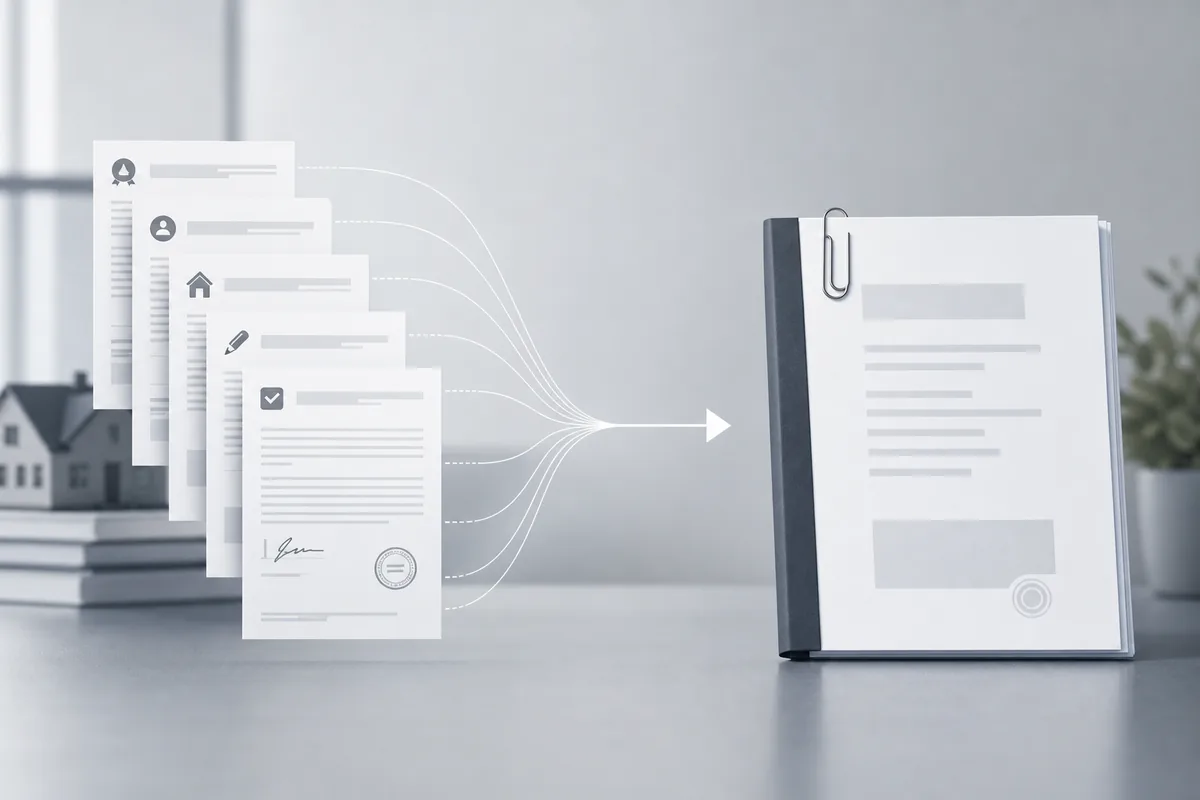
Finalizing corporate deals, real estate transactions, or engineering contracts requires managing a mountain of paperwork. Delivering separate draft pages, compliance forms, and signature files to clients creates confusion and increases the risk of documentation gaps. Combining these records into a single closing folder keeps your transaction records organized, accurate, and audit-ready.
Why Closing Bundle Consistency Matters
In corporate compliance and transaction legal tracks, complete file delivery underwrites your execution quality. If settlement approvals, asset tracking lists, or disclosure updates circulate across scattered email attachments, transaction paths stall and legal risk grows. Combining records protects business handoffs.
Getting Started with Transaction Bundles
The Architecture of Combined Deal Folders
Compiling transaction packages requires tools to merge different page sizes and layout templates into a clear single volume:
- Continuous Pagination Matrices: Numbering pages across mixed files sequentially to keep indexes accurate.
- Verification Lock Integration: Maintaining cryptographic signature properties across your combined documents.
- Mixed Scale Sheet Balancing: Aligning custom horizontal diagrams cleanly with standard vertical contract text sheets.
- Index Directory Rebuilds: Merging separate file summaries into a single master index table.
Transaction Compilation Tasks
- Asset Sorting: Organizing separate contract parts into a logical step-by-step reading order.
- Geometric Calibration: Aligning mixed page footprints to ensure uniform layout printing.
- Navigation Construction: Building master index charts to let auditors jump directly to closing logs.
Essential Transaction Tools
Certified Deal Combination Systems
Cloud utility spaces compile financial sheets and signature packets directly in your browser tab, maintaining data encryption standards throughout the transaction.
Page Layer Separation
To isolate explicit agreement sheets out of large monthly report folders before running final deal combinations, see our split pdf guide. To combine files now, follow our comprehensive guide on how to merge pdf files.
Best Practices for Transaction Closings
1. Arrange Document Sequences Visually
Review folder thumbnails to position summary pages at index zero and place signature certificates cleanly at the end of the package.
2. Confirm Cryptographic Seals Hold
Verify that combining your files keeps authorization markers active across all signed contract components.
3. Insert a Central Master Index
Add interactive navigation paths at the front of your document packages so reviewers can find key transaction entries instantly.
4. Purge Working Draft Versions
Clear internal track-change layers and draft notes before generating final deal bundles for client sign-offs.
5. Tune Final File Sizes
Optimize heavy graphic scans within closing records to keep deal attachments lightweight for client email networks.
Common Transaction Closing Tasks
Building a Real Estate Closing Package
- Drop your deed forms, disclosure sheets, and signature documents into our secure workspace.
- Arrange document components visually to match your closing file sequence rules.
- Trigger the combination engine to compile text grids into a unified portfolio volume.
- Download the finalized transaction record bundle for safe client delivery.
Compiling Monthly Procurement Audits
- Upload your vendor receipt batches into our bulk merging processing platform.
- Run the organization script to standardize wide accounting sheets with vertical forms.
- Save the single archive file to secure offsite repository servers.
Advanced Transaction Closing Techniques
Automated Deal Indexing APIs
Link closing pipelines straight to asset tracking applications, compiling incoming vendor sheets into locked report packages automatically upon completion updates.
Secure Forensic Metadata Tagging
Inject encrypted verification markers directly into closing data packets, creating permanent audit records of document histories across transaction networks.
Troubleshooting Common Issues
Signature Block Conflicts Post-Merge
Combining items using basic utilities can clear electronic signature markers. Use certified combination systems to preserve verification hashes across attachments.
Page Dimension Mismatches Disrupting Prints
Wide layout sheets cut off when forced into rigid single layouts. Enable responsive orientation scaling to fit pages cleanly to your print bounds.
Text Becoming Blur Across Receipts
Over-compressing transaction sheets scrambles small numerical font lines. Keep resolution limits at 150 DPI to protect audit data clarity.
Conclusion
Assembling separate transaction sheets into a single structured volume simplifies client file handoffs and protects auditing workflows. By sorting pages visually, tracking cryptographic signatures, and using fast web infrastructure, your business delivers closing records reliably from any remote boardroom configuration.