Consolidating Files: How to Merge PDF Files Into a Single Volume
Stop sending fragmented attachments to your clients. Learn how combination scripts merge separate documents while maintaining structural fonts.
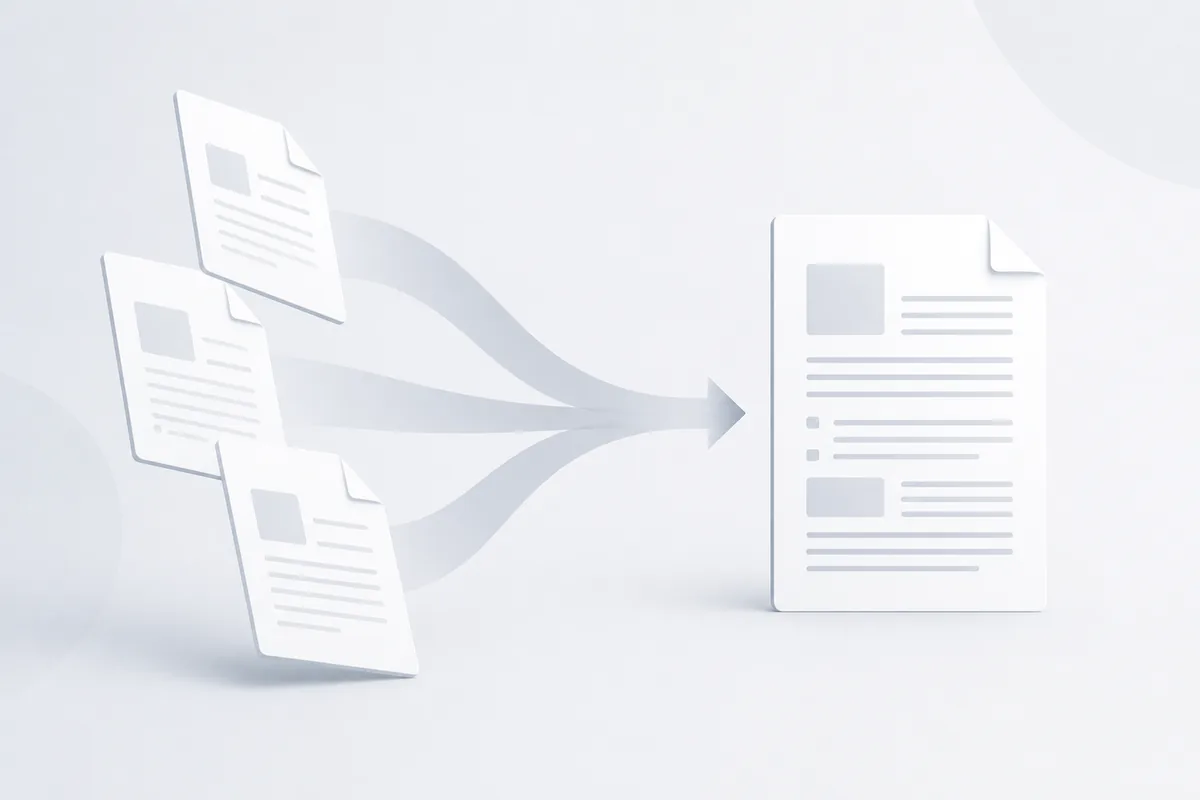
Circulating five separate document files for a single business transaction creates unnecessary communication overhead. When you send multiple scattered attachments—like proposals, terms arrays, technical blueprints, and sign-off pages—you risk recipients losing records in crowded inbox channels. Combining separate digital pages into a single, cohesive volume keeps your project presentation organized and professional.
Why File Combination Matters
In team environments, managing fragmented file assets slows down review processes. When legal departments check updates across separate text layers or operations teams try to reference scattered project diagrams, mismatched layout models create processing friction. Consolidating your assets ensures reviewers browse single file arrays with consistent pagination rules.
Getting Started with File Combinations
Understanding Document Compilation Obstacles
Merging documents involves much more than just sticking data bytes together at the end of a binary stream. Every independent document manages its own structural object mapping infrastructure, including:
- Font Reference Tables: Embedded character profiles and type definitions.
- Coordinate Origin Inversions: Varied page layouts and landscape boundaries.
- Internal Link Targets: Hyperlink structures pointing to specific layout layers.
- Navigation Outline Trees: Interactive side menus and bookmarks tracking sections.
The Mechanics of Clean File Joining
- Asset Parsing: Scanning separate input file structures to catalogue font and page properties.
- Font Array Consolidation: Merging identical character sets to prevent bloated output weights.
- Coordinate Recalculation: Adjusting layout properties across mixed orientation sizes.
- Tree Reconstruction: Merging independent chapter links into a single unified indexing guide.
Essential Combination Tools
Cloud Combination Scripts
Browser-based merging tools manage layout processing server-side or directly inside sandbox runtime setups. This keeps performance swift without relying on heavy system memory allocations.
Visual Sequence Adjusters
Visual layouts allow administrative users to rearrange page thumbnails interactively prior to compilation, ensuring clean section progression.
Best Practices for Merging Files
1. Standardize Document Dimensions
Check that source files use matching aspect ratios before compiling. Mixing custom landscape prints with vertical layouts can crop text margins during processing.
2. Clean Page Order Visually
Review document thumbnails to clear out empty pages, accidental layout gaps, or upside-down sections before triggering compilation. To organize page groups prior to compilation loops, see our split pdf guide.
3. Match Compression Target Weights
Combining multiple files with high-res images causes rapid file size growth. Keep your distributions lightweight by utilizing our comprehensive pdf compression guide.
4. Re-Verify Bookmark Hierarchies
Confirm that your compiled output maintains accurate internal navigational links so readers can jump straight to relevant chapters.
5. Track Version Identifiers
Append clear date markers to your combined documents to protect internal archives from mixed-up draft variants.
Common PDF Combination Tasks
Merging Document Portfolios
- Drag and drop your source assets into our merge PDF utility.
- Arrange the page components interactively to line up layouts correctly.
- Trigger the combination script to combine your font mapping tables cleanly.
- Download your compiled, unified single volume instantly.
Combining Landscape Blueprints into Vertical Reports
- Run layout checks to map orientation points accurately.
- Use our rotation tool inside the workspace to align page viewing lines.
- Execute the compilation task to preserve your wide-angle data grids intact.
Advanced PDF Merging Techniques
Dynamic Form Consolidation
When merging interactive documents, ensure field name parameters are distinct. If two separate form inputs use identical field IDs, their data values can bleed together.
Programmatic API Integration
Automate complex archiving tasks by passing data streams straight to structured file utilities, helping teams compile reports instantly from asset paths.
Troubleshooting Common Issues
Fonts Scrambling After Merging Files
This error occurs when two input files use mismatched sub-definitions for the same font name. Use an advanced editing platform to standardize text properties before combination steps.
Bookmarks Blanking Out
If index tabs break after execution, your tool cleared navigation objects. Run files through deep structural parsers to maintain layout markers across attachments.
Sudden File Size Growth
If your output file size is much larger than the combined size of the inputs, duplicate font profiles are clogging your asset data. Run optimization passes to clean out repetitive bytes.
Conclusion
Combining loose attachments into a single structured volume simplifies record delivery and keeps your business files perfectly organized. By matching document layout configurations, cleaning text dimensions, and leveraging fast web infrastructure, your business presents records clearly across all networks.